Part 2 of 4
Making the MPD218 Earn Its Place
A very appealing controller that has spent rather too long being frustrating finally starts doing useful work.
The MPD218 has always had the look of something I ought to enjoy using. Sixteen pads, a row of knobs, and the promise of an MPC-like relationship with Logic: all very persuasive. Then I plugged it in, the pads appeared to be in the wrong places, and it became much less clear whether the problem was Logic, the hardware, or a configuration from some previous era of my life.
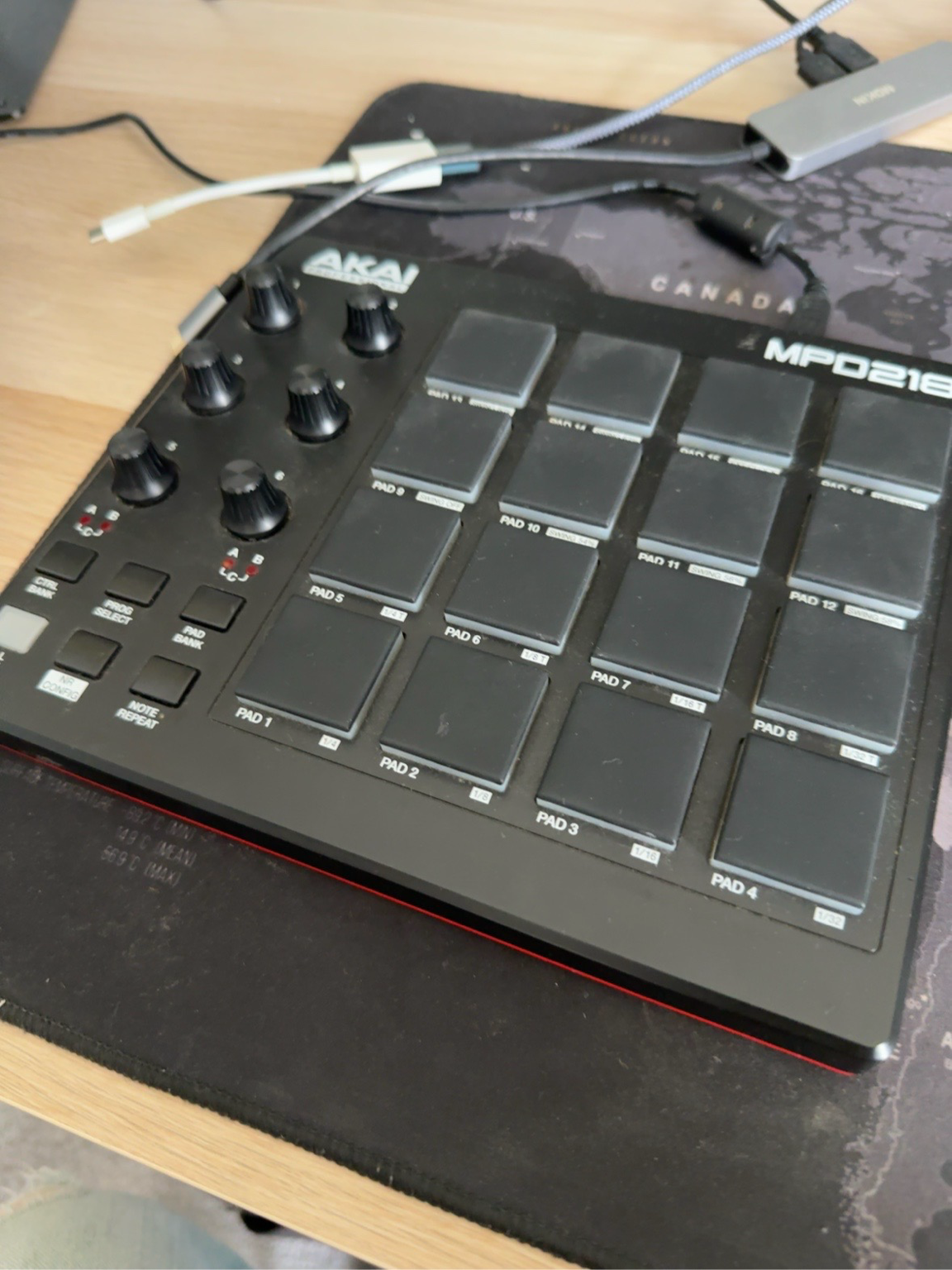
Finding the missing map
Some of it turned out to be an MPD218 configuration problem. With ChatGPT’s help and a little Python-assisted detective work, I analysed an existing configuration file and rebuilt one with more useful pad assignments. Importing it into the MPD218 editor was a genuine little victory—one of those small technical wins that feels disproportionately good because it removes a long-standing irritation.
It did not solve everything, and it would be dishonest to suggest it did. Some Logic presets still have their own ideas about mappings, and Drum Machine Designer remains capable of a few mysteries. A fresh kit is much more predictable than a prebuilt one, which is useful knowledge even if it is not quite the magic button.
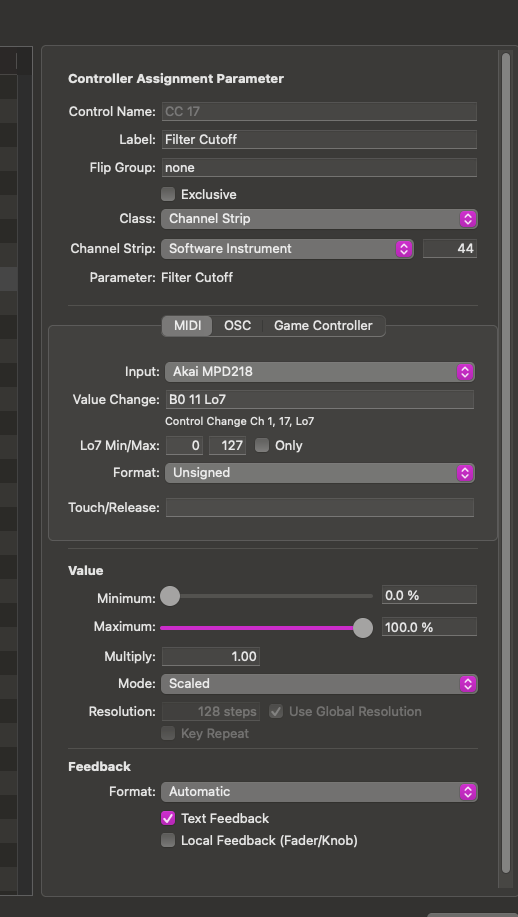
From pads to hands-on control
I experimented with sampling, which was fun, and did not quite arrive where I wanted to. Mapping knobs to precise pad settings is still unfinished. But the larger discovery was more useful: the MPD218 can work as a hands-on studio controller. It can change track volume, pan channels, control master level and project tempo, and let me experiment with bus sends without always reaching for the mouse.
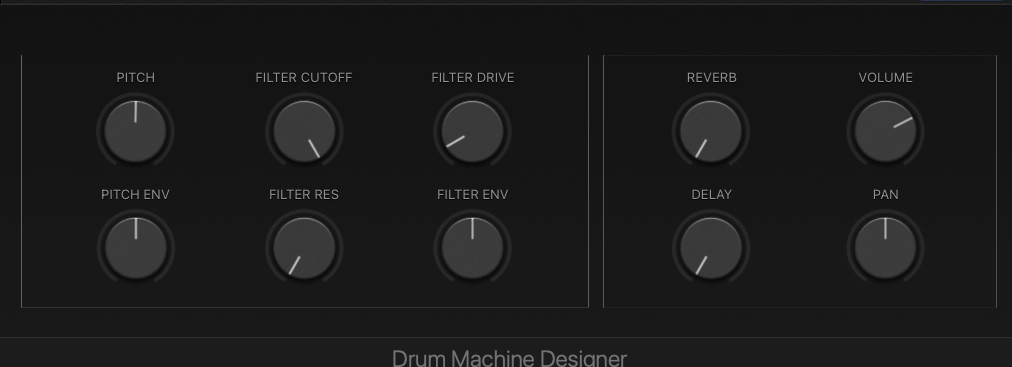
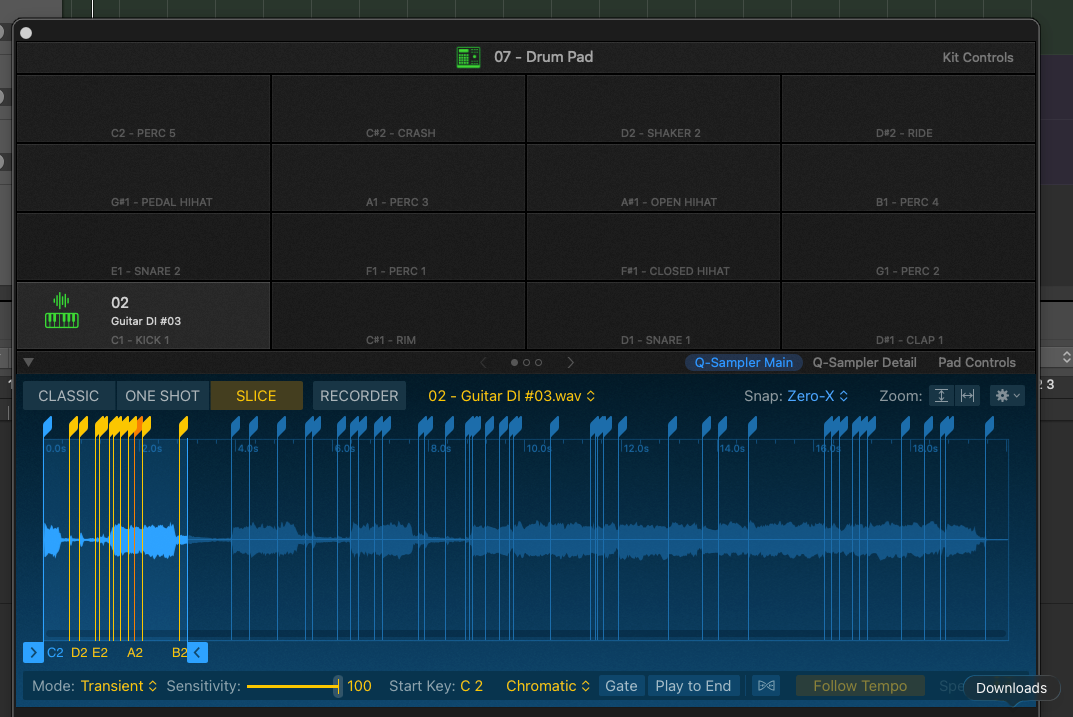
It is not magic yet. The mapping still needs tidying, the pad settings still need work, and some of Logic’s presets are going to continue having private conversations with themselves. But the MPD218 has moved from an attractive, frustrating object to something that is beginning to earn a place on the desk.